
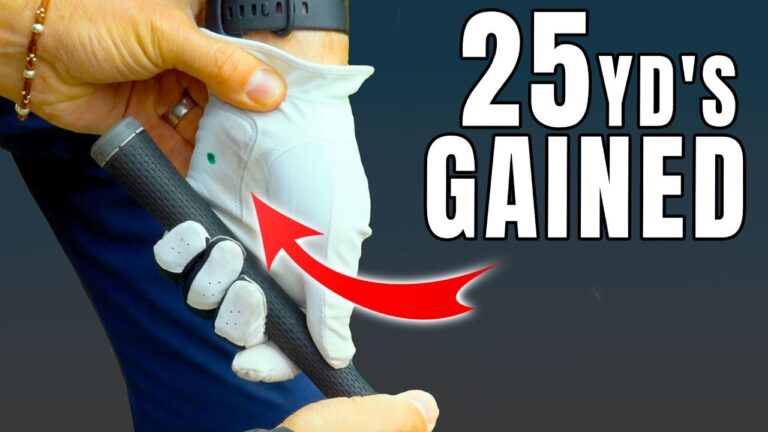

Tired of lackluster drives? Discover how two simple grip fixes can unleash your full golf potential without a swing overhaul. Let’s dive in and transform your game effortlessly.
If your golf drives feel shorter than they should, the fix might be much smaller than a full swing overhaul. In many cases, distance loss comes from tiny grip placements that change how your wrists load and deliver clubhead speed.
This guide focuses on two grip-related problems that can cost you golf distance fast. You’ll learn how to spot them, run two simple tests at home, and apply two quick training thoughts to restore speed and improve your strike.
Table of Contents
- Step 1: Identify the first grip fault (too high in your hand)
- Step 2: Build a simple glove-based training aid (for grip placement)
- Step 3: Run Test 1 (wrist load check) without losing face control
- Step 4: Run Test 2 (grip security check using your index finger and pad)
- Step 5: Fix the second problem (don’t lock your wrists)
- Step 6: Use two quick training thoughts to restore speed
- Step 7: Combine the fixes on real shots (and judge the results)
- FAQ
Step 1: Identify the first grip fault (too high in your hand)
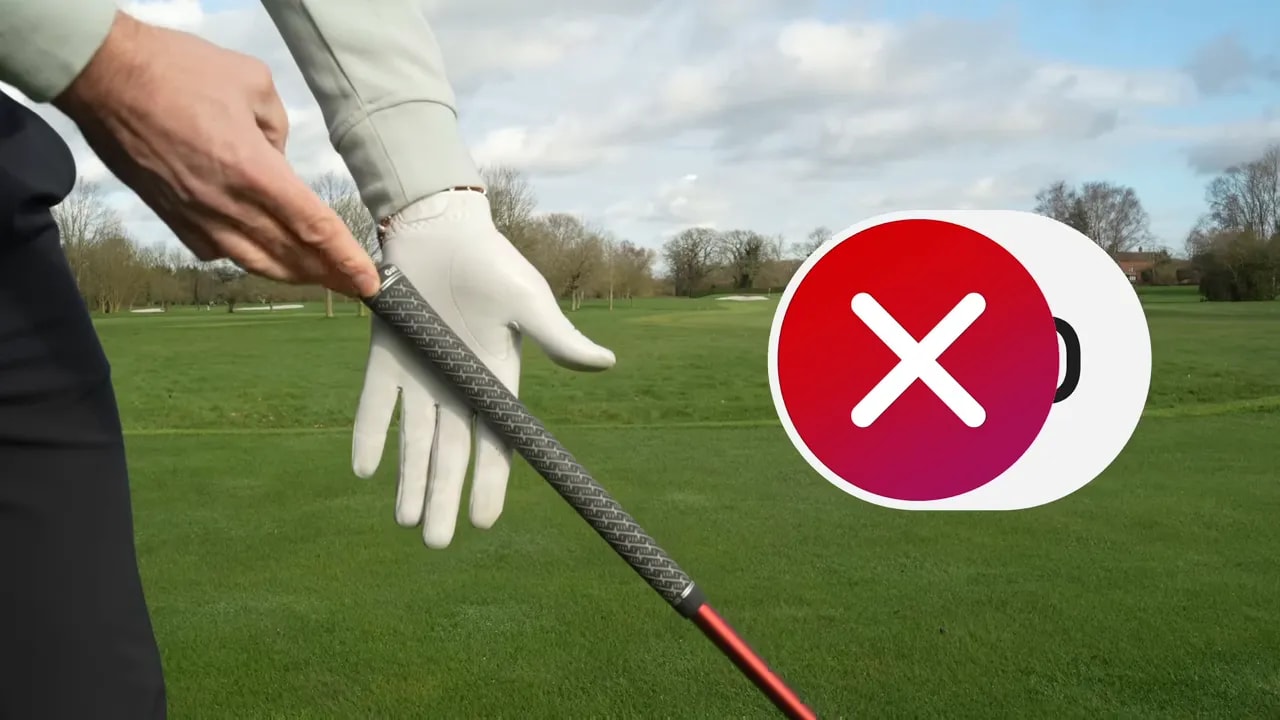
The first issue is a grip placement that sits too high in your hand. Even when your hand feels “comfortable,” that small height change can reduce leverage and limit how your wrists can move through the swing.
When your grip is too high, the club sits more through the palm (the lifeline area) rather than deeper through the fingers. The result is struggling to get the club into a powerful position without either losing speed or leaving the face open.
How it impacts your swing (and why distance drops)
With the grip sitting too high, your wrist motion becomes restricted. The clubhead does not reach an optimal height as easily, meaning less potential energy and speed.
To compensate, many golfers start relying on wrist twist later. But when the grip is placed incorrectly, you face a tradeoff:
- Option 1: You don’t create enough speed.
- Option 2: You create speed, but the clubface opens significantly.
Both options result in shorter drives or more time in the rough. Neither helps your golf distance.
Step 2: Build a simple glove-based training aid (for grip placement)
To make grip changes measurable, build a reference tool using an old or new golf glove and a marker.
What you’ll do:
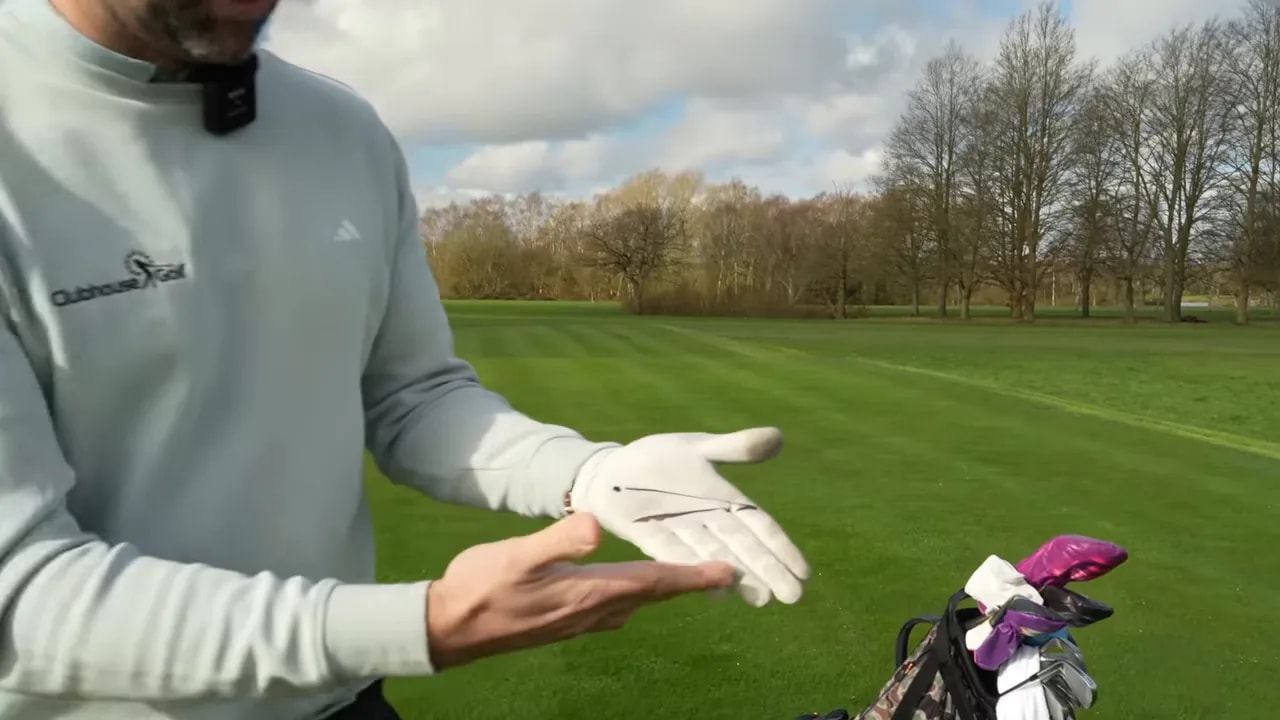
- Grab a glove and draw two lines on the back or near the grip area of the hand.
- Place both lines so they run from the base of your index finger.
- Make one line go to just short of the little finger base.
- Make the other line point toward the pad area on the hand (the “meaty” portion just behind the index finger side).
The goal is a clear visual target for where the handle sits against your hand when you close your grip.
What “correct” looks like when you close your hand
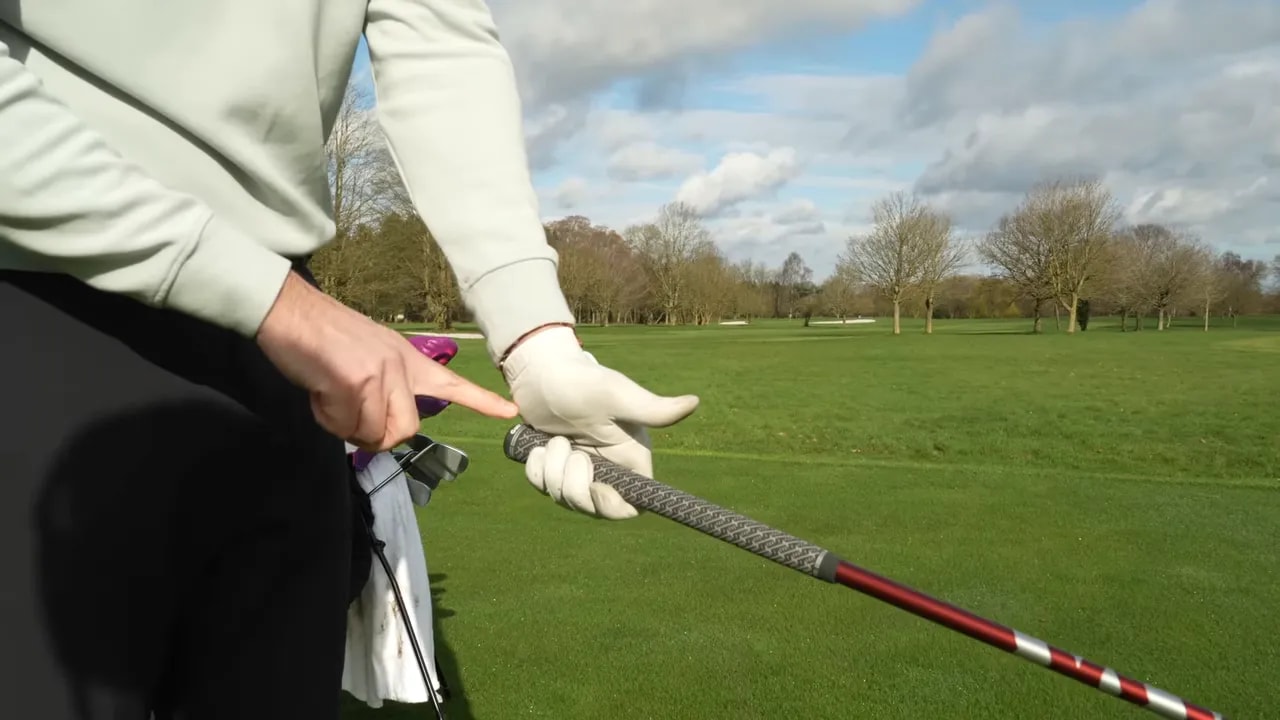
When you hold the club with the correct grip position, the contact point should align with the lower reference line (the one that indicates placing the club more through the base of the fingers).
Additionally, check the “dot” behavior described in the drill. When your grip is placed correctly, the pad of your hand should sit on top of the handle, indicating good placement.
Step 3: Run Test 1 (wrist load check) without losing face control
Grip placement only matters if it produces the right club delivery. The first test checks two things:
- Can you raise the club to about horizontal (or close to it)?
- Can you keep the clubface reasonably square as you raise it?
How to test:
- Hold the club in your normal grip.
- Make a controlled backswing focusing on the feel of the grip in your hand.
- Stop when the shaft is around parallel to the ground.
- Observe what the face does.
If your grip is too high, the clubface often trends open at that position, due to restricted wrist movement attempting to “find power” elsewhere.
Success criteria: You can raise the club to horizontal while keeping the clubface more neutral rather than opening dramatically. This usually indicates the club is positioned more through the base of the fingers, granting your wrist better freedom to load.
Step 4: Run Test 2 (grip security check using your index finger and pad)
The second test checks grip placement in a different way: stability.
How to test:
- Hold the club with the pad of your hand and your index finger.
- Try to reduce support from the thumb and the last three fingers as much as possible.
- The club should still feel secure, not loose or ready to slip.
This test helps confirm proper handle contact. When the grip is correct (more through the base of the fingers), leverage and control improve without clamping.
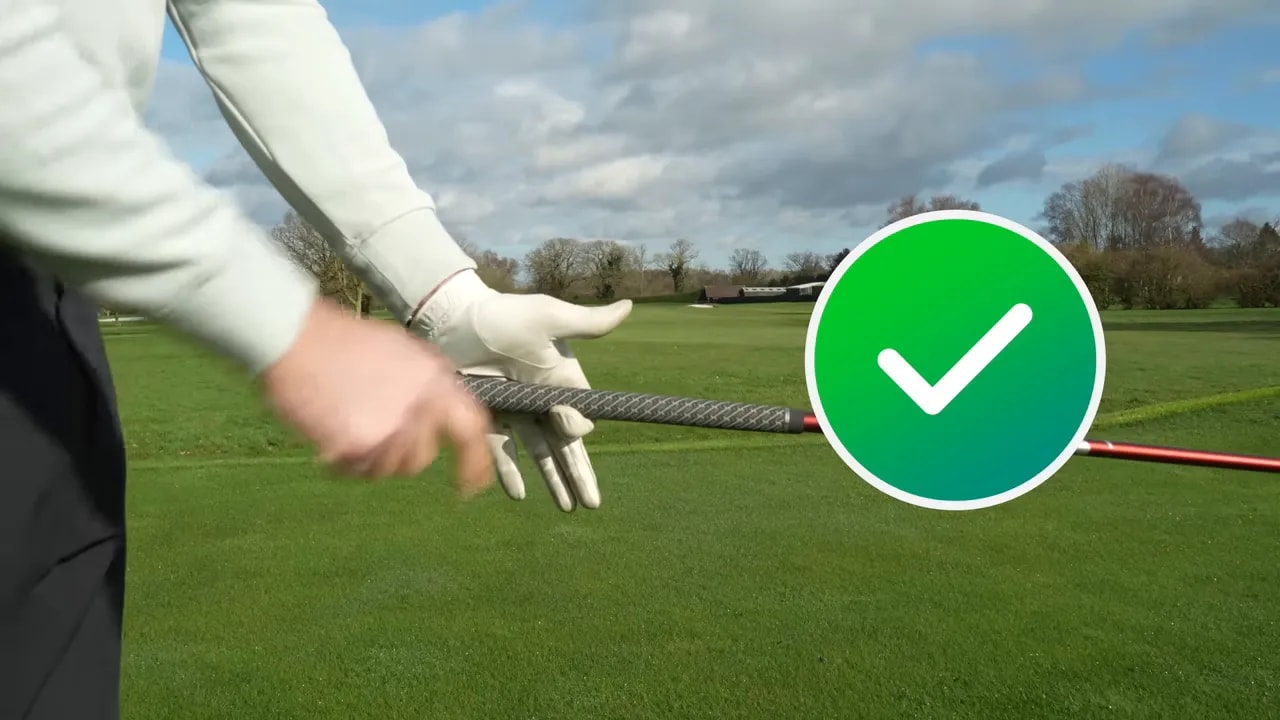
If it feels insecure: It likely means your grip is slightly too high, or too much pressure is in the palm line area. Lowering it can change the feel significantly.
Step 5: Fix the second problem (don’t lock your wrists)
Correcting grip placement improves straightness, but distance might still lack if there’s a second fault like locked wrists.
Locked wrists tie clubhead speed to body movement, reducing the ability to let the club “zip” through the swing.
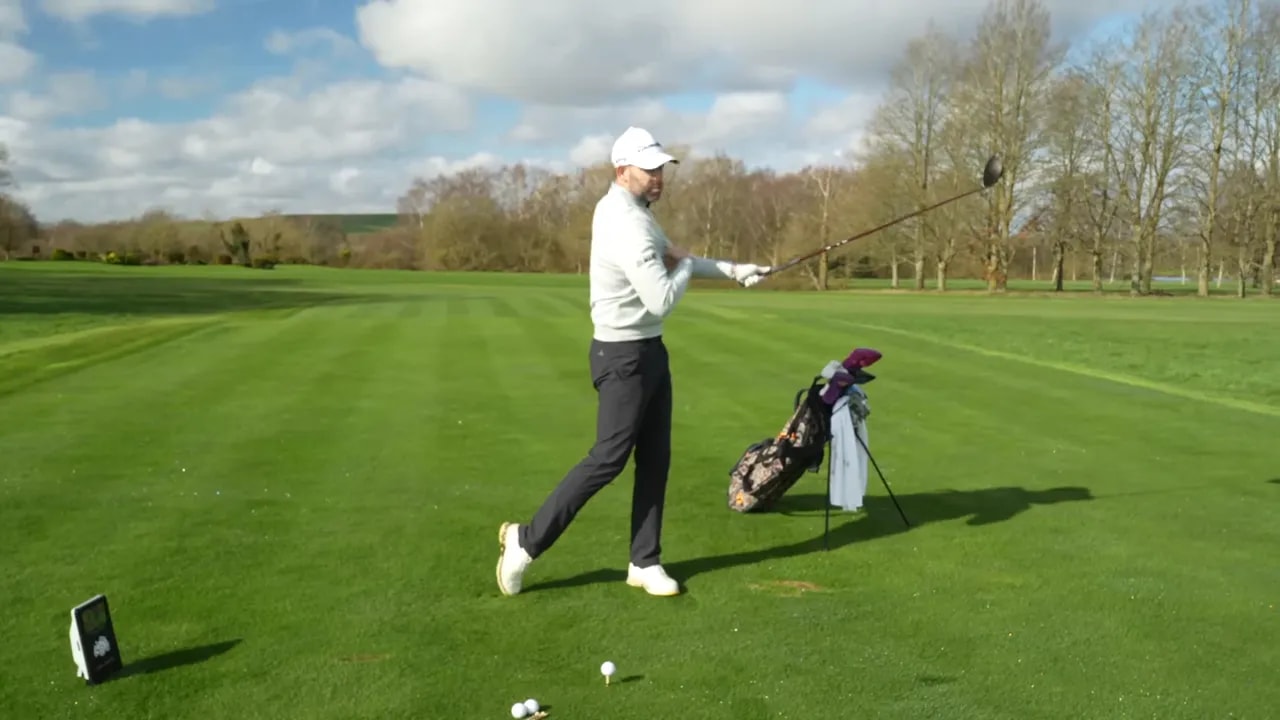
What wrist locking feels like
Signs of wrist locking:
- Your swing feels stiff or mechanical.
- Clubhead speed relies entirely on body speed.
- Shots feel smooth but not fast.
These are key sensations to avoid. You need to restore wrist freedom for added speed without exertion.
Step 6: Use two quick training thoughts to restore speed
Once grip placement is corrected, use these rehearsal cues for wrist mobility.
Training thought 1: “Point the grip down at the ground” in the backswing
Your backswing rehearsal should foster soft wrist motion.
Try this drill setup:
- Make short practice swings.
- Feel your grip pointing down to the ground in the backswing.
- Use that feel to “soften the wrist,” encouraging fluid motion.
Letting your wrists soften can initially feel like losing control but often leads to better motion. The intended sensation is flow and speed, not rigidity.
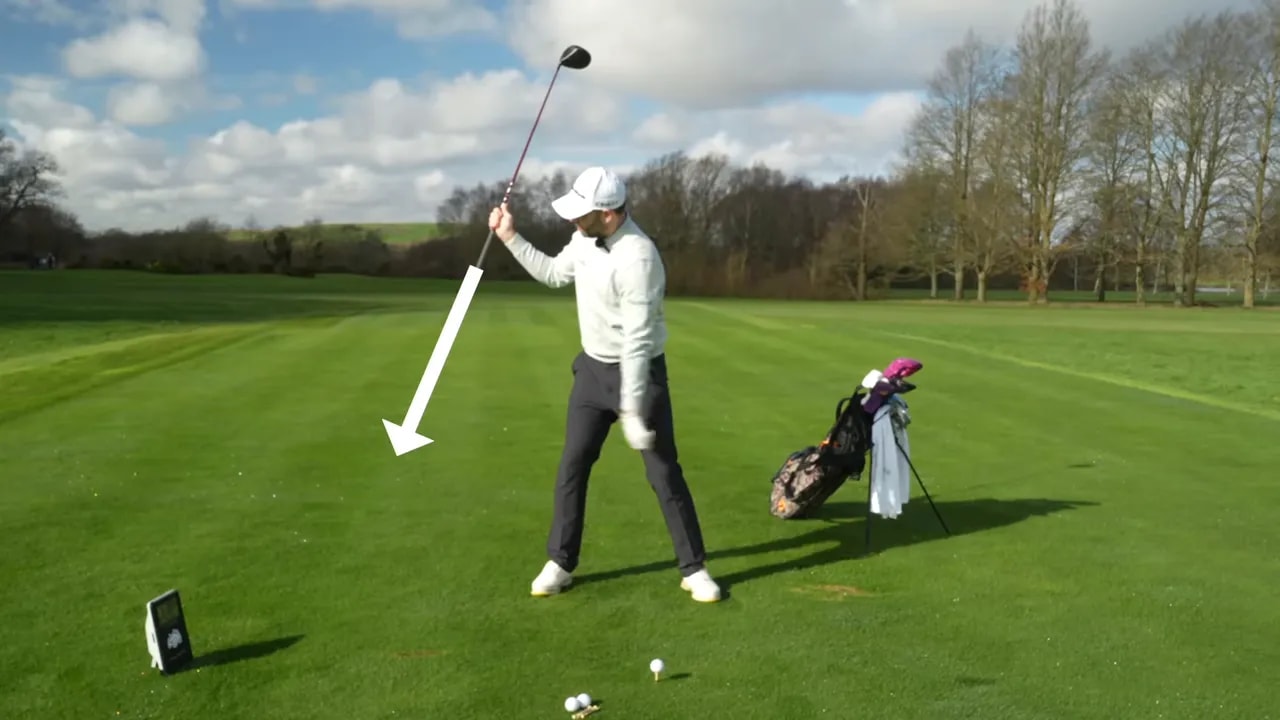
Training thought 2: “Bounce the club shaft off your shoulder” on the downswing
For downswing timing, use this cue to coordinate hands and club with your body.
Try this rehearsal pattern:
- On the downswing, let the club shaft “bounce” off your shoulder.
- Repeat it during practice swings before hitting full shots.
Simple repetition helps the sequence become:
- Grip down
- Bounce off the shoulder
- Repeat several swings
Step 7: Combine the fixes on real shots (and judge the results)
After adjusting your grip and rehearsing softer wrists, apply changes to real shots.
Before hitting:
- Check your grip placement using tests.
- Confirm you can raise the club to horizontal with control.
- Ensure secure feeling with the pad and index finger.
Then use these cues:
- Backswing: point the grip down at the ground
- Downswing: bounce the club off your shoulder
These changes should enhance your golf experience with smoother motion, better clubhead speed, and restored distance without extra effort. During the lesson, the golfer found swings smoother with a perception of added speed, without requiring more effort.
FAQ
How can I tell if my grip is too high without guessing?
Use glove reference lines and the two tests. If horizontal club movement is tough with face control or if the club feels insecure with minimal finger support, your grip may be too high.
Do I need to change my grip strength or hand position every time?
Consistency is key. Focus on handle placement regarding your fingers and pad. Return to the correct zone each session using tests to avoid slipping back into old habits.
What if I fix the grip but still lose distance?
Likely another swing restriction exists. Here, locked wrists limited clubhead speed. Practice softening wrists with “grip down” and “bounce off the shoulder” cues.
Will these drills slow my swing by softening my wrists?
The aim is the opposite. Soft wrists enable speed. Regular short rehearsals should boost flow and speed, not diminish control.
How many practice swings before hitting full drives?
Rehearse briefly. The lesson involved a few swings per cue sequence before hitting balls, about five swings each to establish the feel.
0 Comments